
Hide Apps And Lock Apps1.1 - Get APK
You'll be able to download in few seconds.
Publisher Description
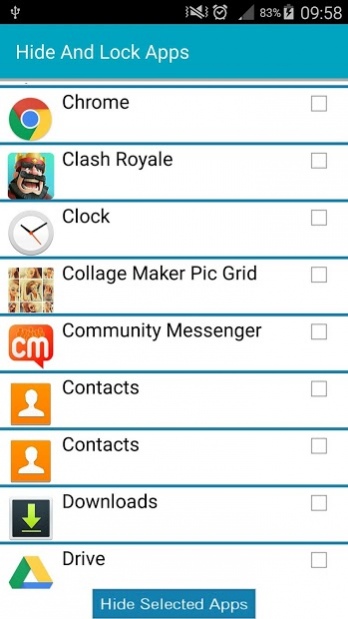
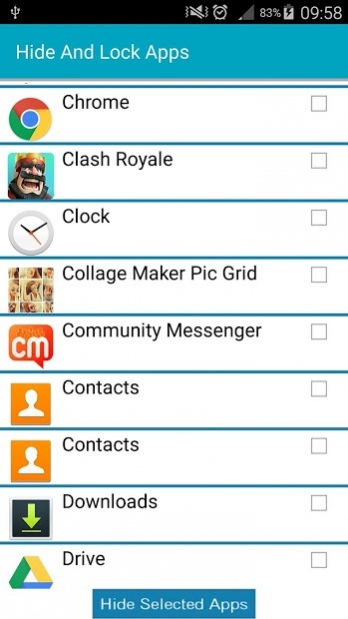
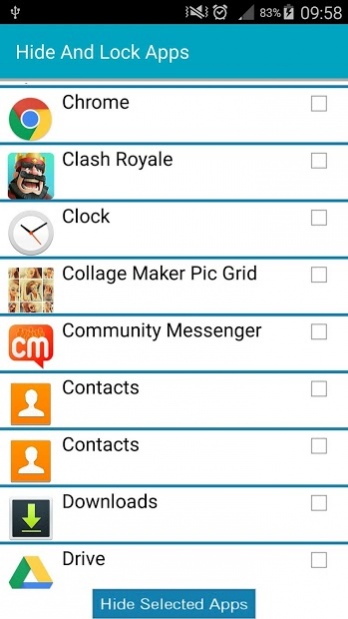
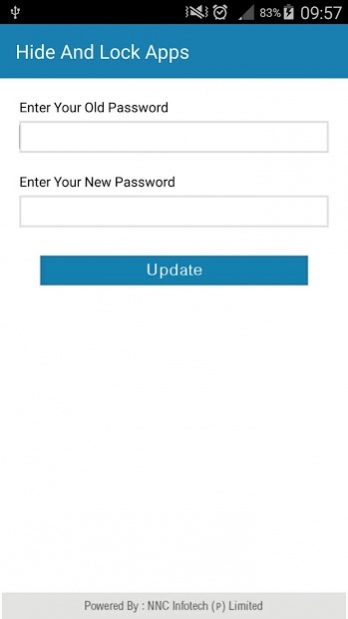
NOTE: We have upgraded this app to new with 4 lock types. Please check our new lock app in our other apps section.
Easy way to hide and lock your apps from android desktop (with inbuilt launcher).
This app is able to hide any apps installed even you can lock any apps with password. In order to hide app you just needs to select app and press single button then your app will not be visible anymore on android desktop. And for lock do the same process.
This app is not required root. Anyone can use this app.
Features:
- Hide apps.
- Lock apps.
- Password protection.
- Low background process so less memory will be consumed.
- In built launcher (this app is coming with in built own launcher so you can manage apps with good UI).
- Drag drop apps on desktop menus.
About Hide Apps And Lock Apps
The company that develops Hide Apps And Lock Apps is NNC Infotech (P) Limited. The latest version released by its developer is 1.1.
To install Hide Apps And Lock Apps on your Android device, just click the green Continue To App button above to start the installation process. The app is listed on our website since 2014-10-17 and was downloaded 0 times. We have already checked if the download link is safe, however for your own protection we recommend that you scan the downloaded app with your antivirus. Your antivirus may detect the Hide Apps And Lock Apps as malware as malware if the download link to com.nnc.launcherfree is broken.
How to install Hide Apps And Lock Apps on your Android device:
- Click on the Continue To App button on our website. This will redirect you to Google Play.
- Once the Hide Apps And Lock Apps is shown in the Google Play listing of your Android device, you can start its download and installation. Tap on the Install button located below the search bar and to the right of the app icon.
- A pop-up window with the permissions required by Hide Apps And Lock Apps will be shown. Click on Accept to continue the process.
- Hide Apps And Lock Apps will be downloaded onto your device, displaying a progress. Once the download completes, the installation will start and you'll get a notification after the installation is finished.
Program Details
System requirements
Download information
Pricing
Version History
version 1.1
posted on 2014-10-17
- Fixed UI issues.
- Fixed issues in 4.5 inch screen mobiles.
Disclaimer
External Download
We do not host Hide Apps And Lock Apps on our servers. We did not scan it for viruses, adware, spyware or other type of malware. This app is hosted by Galad and passed their terms and conditions to be listed there. We recommend caution when installing it.
The APK Download link for Hide Apps And Lock Apps is provided to you by apps112.com without any warranties, representations or guarantees of any kind, so access it at your own risk.
If you have questions regarding this particular app contact the publisher directly. For questions about the functionalities of apps112.com contact us.
